Purandar Sahu
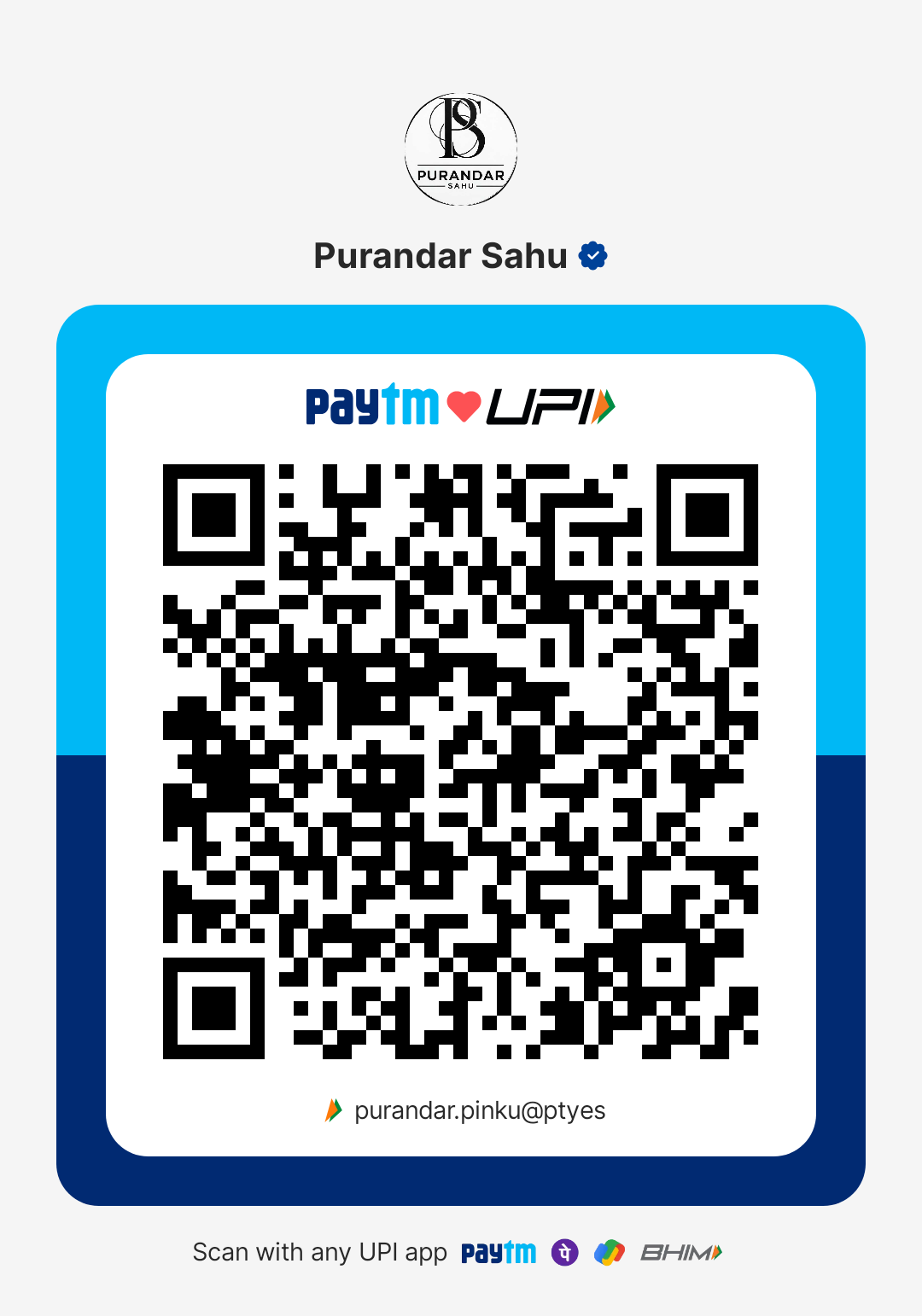
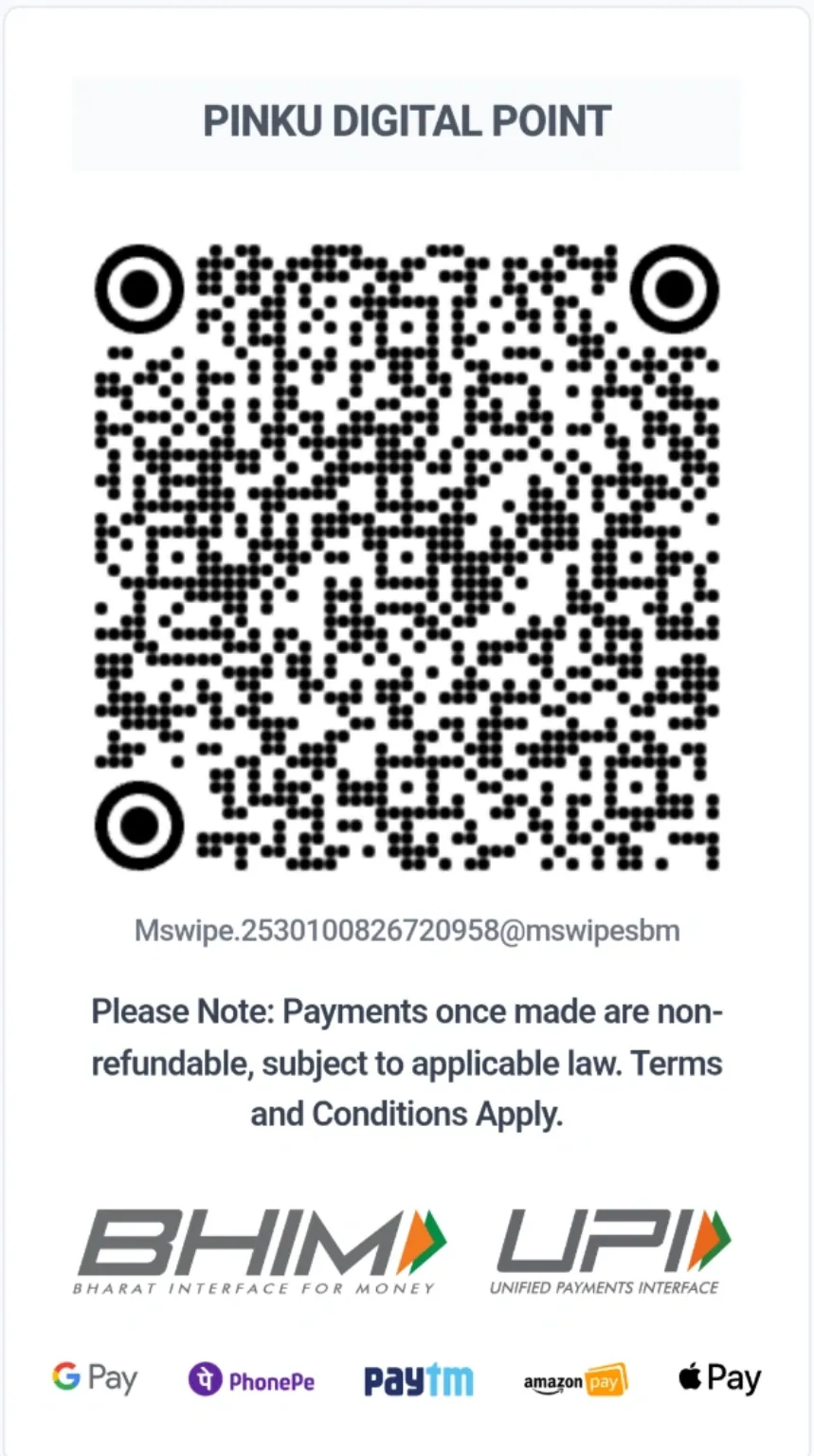
Pay only to the details displayed below.
UPI payment
Use the UPI ID, scan the QR, or open a UPI app on this phone.
Bank transfer
Check the account holder name before transferring.
Select the correct payment profile, check the recipient name in your UPI app, and follow the instructions below.

Pay only to the details displayed below.
Use the UPI ID, scan the QR, or open a UPI app on this phone.
Check the account holder name before transferring.

Pay only to the details displayed below.
Use the UPI ID, scan the QR, or open a UPI app on this phone.
Please read these before making a payment.
Select the correct profile and verify that the recipient name in your UPI or bank app matches the name shown here. Do not pay to a mobile number.
Send the transaction receipt or screenshot through the WhatsApp button below. For a service payment, include your invoice number. A screenshot alone does not confirm payment; we verify the credit in the account.
Payment stays pending until the amount is verified in the selected account. Do not share UPI PIN, OTP, card PIN, or banking password.
Use “Open UPI App” or copy the UPI ID. You can download the QR and scan it from another device.
After paying with one of the methods listed above, fill in the details and continue to WhatsApp. Attach the receipt in the chat.
WhatsApp will open with a prepared message. Attach your receipt manually. Do not send OTPs, PINs, passwords, or full bank statements.